

Sunvivae 20A MPPT Solar Charge Controller for 12V/24V Batteries with LCD & Dual USB


Sunvivae 20A MPPT Solar Charge Controller for 12V/24V Batteries with LCD & Dual USB

20A MPPT Solar Charge Controller
Harvest More Solar Power for 12V & 24V Battery Systems
The Sunvivae 1220 combines true maximum power point tracking, multi-battery charging profiles, LCD monitoring and programmable DC-load control in one compact off-grid controller.
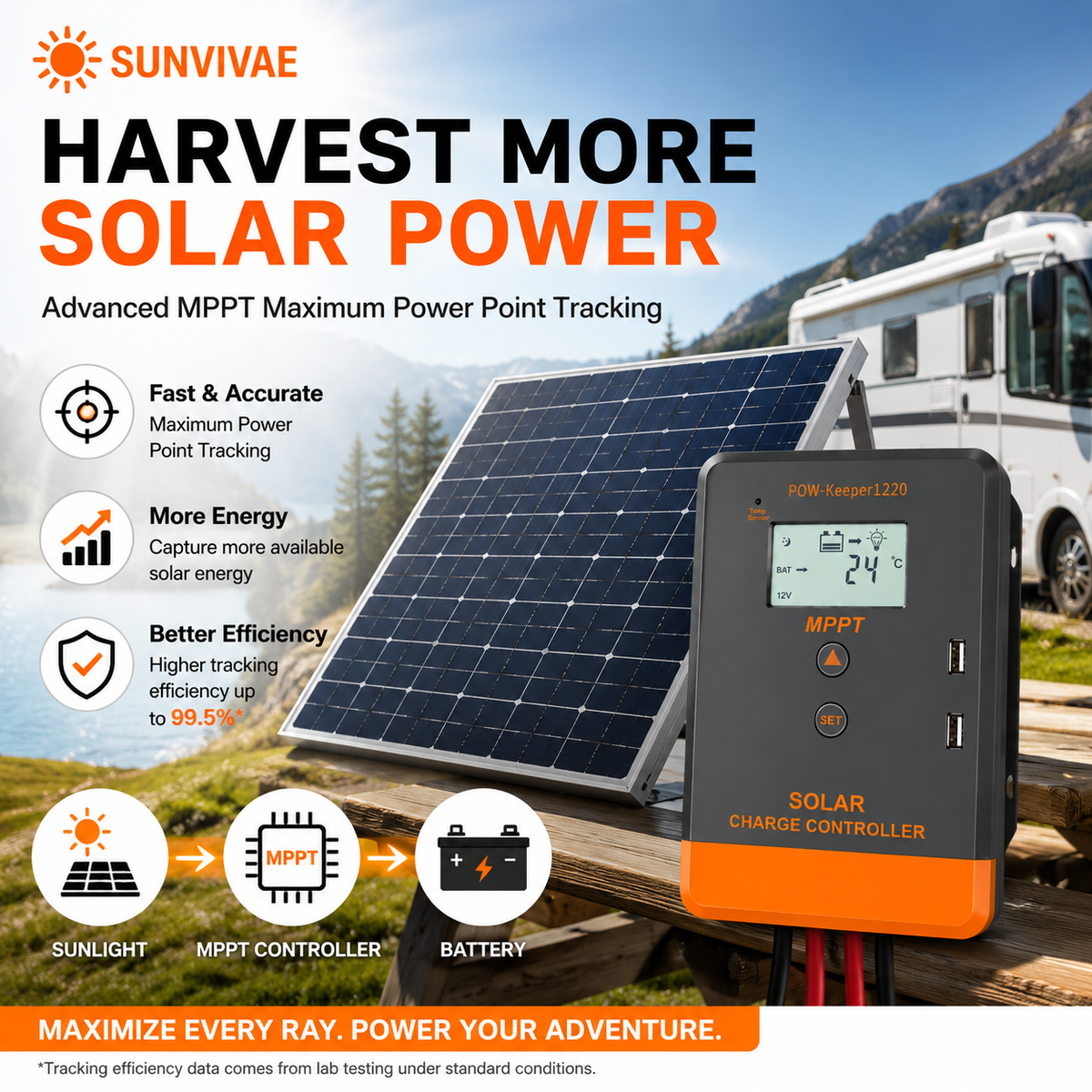
Maximum Power Point Tracking
Make Better Use of Available Sunlight
MPPT technology continuously searches for the solar array's maximum power point and converts the available PV power into controlled battery charging.
Fast Tracking
Tracks changing solar conditions while maintaining maximum-point tracking efficiency of at least 99.5%.
High Conversion
Quality power components provide maximum conversion efficiency up to 97% under suitable operating conditions.
Automatic Voltage
Recognizes compatible 12V or 24V battery systems after the battery is connected first.
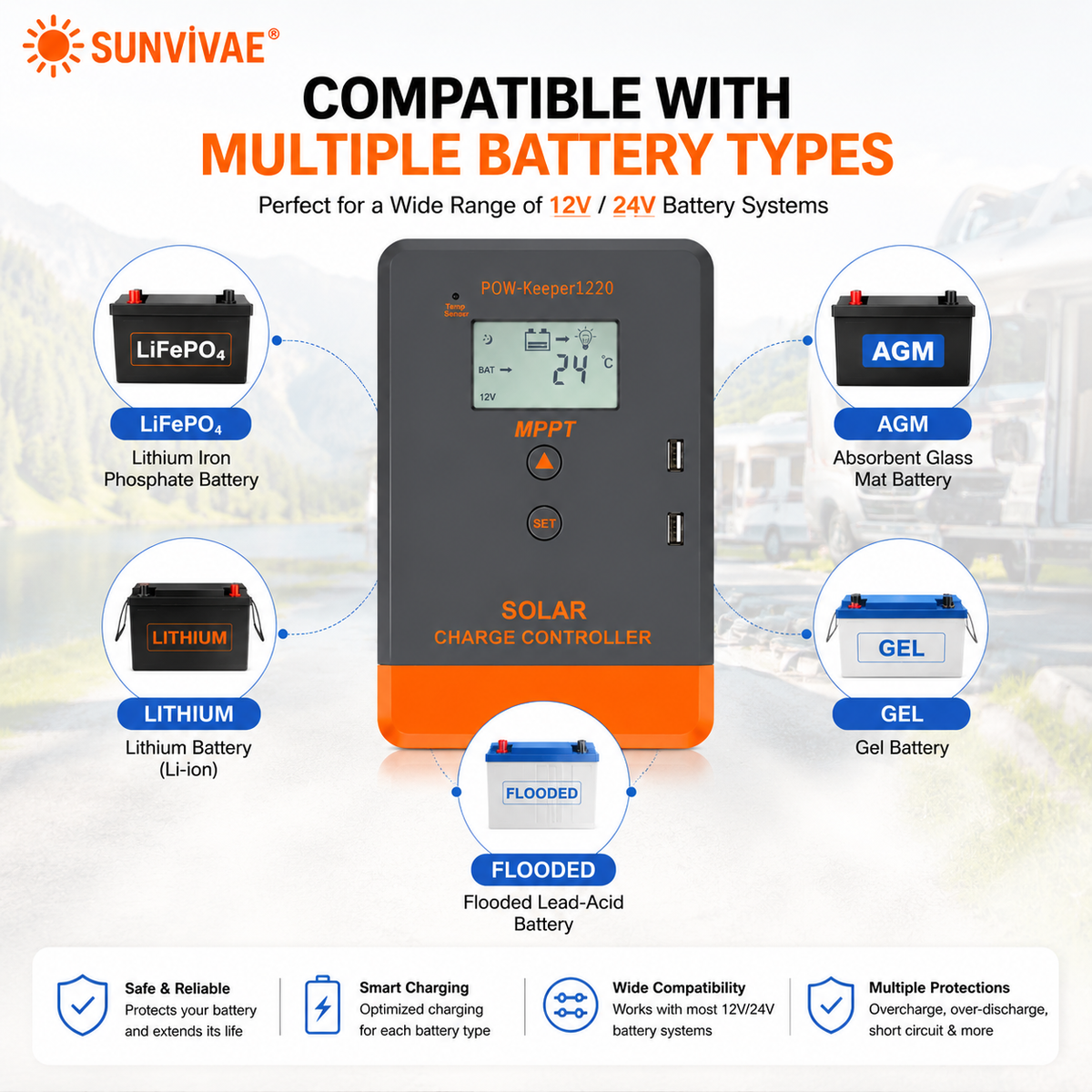
Multi-Battery Support
Charge the Battery You Actually Use
Selectable profiles support common lead-acid and lithium battery configurations, with custom modes available for applications requiring verified manual settings.
- GEL lead-acid
- Sealed lead-acid
- Flooded lead-acid
- 4S and 5S LiFePO4
- 3S and 4S lithium-ion
- Custom lead-acid and lithium modes
Always confirm charge voltages with the battery manufacturer. Lithium batteries should include a compatible BMS. Set system voltage and battery type before use.
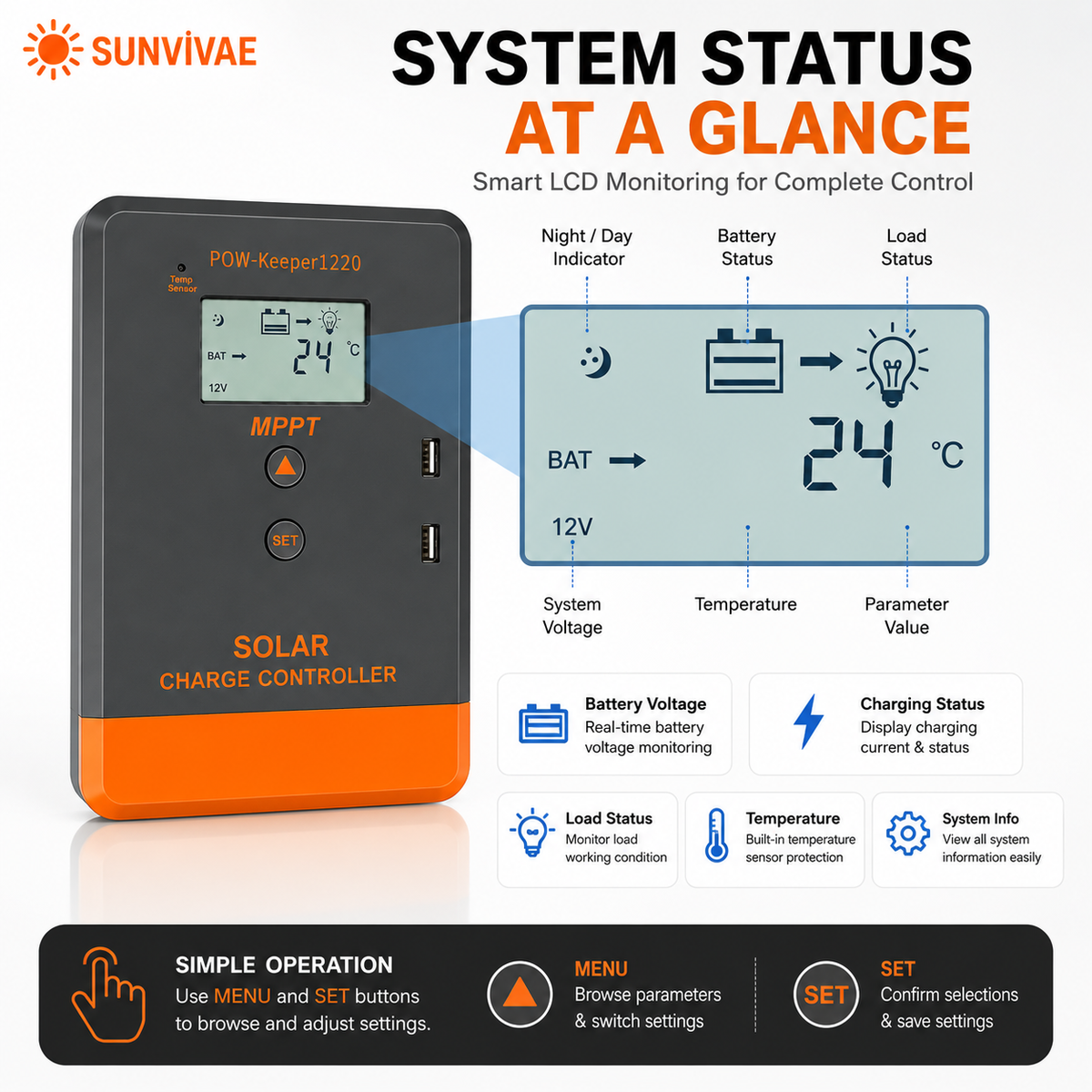
LCD Monitoring
See Charging and System Status
The LCD provides access to battery voltage, battery temperature, charging and discharging current, accumulated amp-hours, PV voltage, load mode and system settings.
Correct Installation Sequence
Battery First. Solar Second. Load Last.
Correct wiring order allows the controller to power on, recognize system voltage and apply the selected charging parameters safely.
Ensure the PV and battery cables are not energized.
Observe polarity, then close the battery breaker.
Verify PV Voc, then close the PV breaker.
Optional and only within the load-output limits.
Flexible Load Automation
Control Compatible DC Loads Day and Night
Programmable operating modes support manual DC-load control, dusk-to-dawn operation, timed lighting and reverse light control.
Manual Mode
Turn the compatible DC load on or off manually from the controller.
Light Control
Automatically switch the load according to detected daylight conditions.
Light + Timer
Run the load for a configured period around night operation.
Verified 20A Model Data
Specifications
These values apply to the Sunvivae1220 20A model. Specifications for the 30A and 40A models are different.
| Model | Sunvivae 1220 |
|---|---|
| Controller type | MPPT |
| Rated charge current | 20A |
| Rated load current | 20A |
| System voltage | 12V / 24V auto recognition |
| Battery voltage range | 8–32V |
| Maximum PV open-circuit voltage | Less than 60V |
| Maximum PV input power | 260W at 12V / 520W at 24V |
| USB output | 2 × 5V / 1A |
| Static consumption | ≤50mA |
| Operating temperature | −20°C to +55°C |
| Working humidity | ≤90%, non-condensing |
| Protection class | IP30 |
| Grounding type | Common positive / positive grounded |
PV voltage rises in cold weather. Calculate the array's cold-condition Voc and keep it safely below the controller's 60V maximum. Do not design a system that reaches the absolute limit.
Installation Environment
Keep It Cool, Dry and Ventilated
Mount Vertically
Install with the ports facing downward and leave clearance around the enclosure.
Avoid Heat & Sun
Keep the controller away from direct sunlight and mount it on a non-combustible surface.
Indoor Protection
IP30 is not waterproof. Protect the controller from rain, spray, condensation and conductive dust.
Frequently Asked Questions
Before You Connect
Can it work with two 100W flexible solar panels?
Yes. The previously specified two-panel set is best wired in series for this MPPT controller: approximately Voc 37.2V, Vmp 31.8V, Isc 6.6A and 200W. This provides suitable charging headroom for either a 12V or 24V battery system while remaining below the controller's verified power and voltage limits. Cold-weather Voc must still be calculated and kept safely below 60V. Parallel wiring is not suitable for charging a 24V battery and may provide insufficient voltage headroom near the upper charging voltage of a 12V battery.
Why must the battery be connected first?
The battery powers the controller and allows it to recognize 12V or 24V system voltage. After battery type and parameters are confirmed, connect the PV array.
Can I connect a 12V or 24V inverter to LOAD?
No. Connect an inverter directly to the battery through appropriate cables, fuse or breaker, following the inverter and battery manufacturers' instructions.
Is it waterproof?
No. Its enclosure is rated IP30. Install it indoors in a dry, ventilated location.
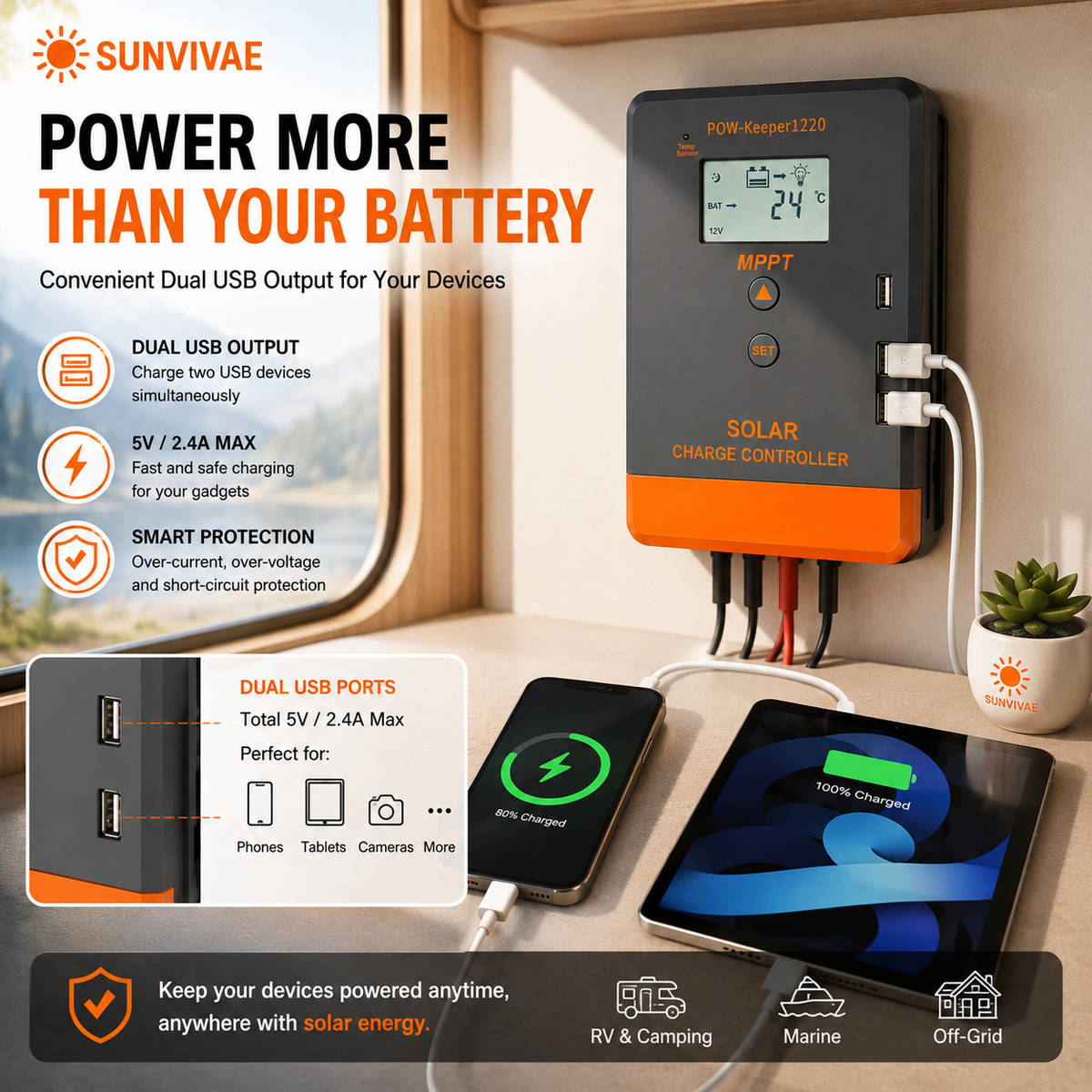
Can the USB ports provide 2.4A?
The verified manual specifies two 5V/1A USB ports. The page does not advertise 2.4A USB output.
Questions Before You Build?
Send us your panel Voc/Isc, array wiring, battery voltage and battery chemistry. We will help you check the essential compatibility points.
Contact SunvivaeWhy Shop with Sunvivae?
Secure payment options, clear policies and responsive support—before and after your purchase.
Secure Checkout
Use the secure payment options shown at checkout.
Trackable Shipping
Tracking details are provided after your order ships.
12-Month Warranty
Limited warranty coverage for added peace of mind.
Helpful Support
Contact us with product, order or compatibility questions.
How to Pay
Add your item to the cart and continue to checkout. Available payment methods will be displayed securely for your order.
Shipping & Order Tracking
Returns & Refunds
Secure Payment
Visit our Contact Us page or email support@sunvivae.com.